A Feed for every List
Group Channels by design, cooking, music, or anything only you can name. Open one List, or All Lists at once. A Channel in three Lists still shows up once.
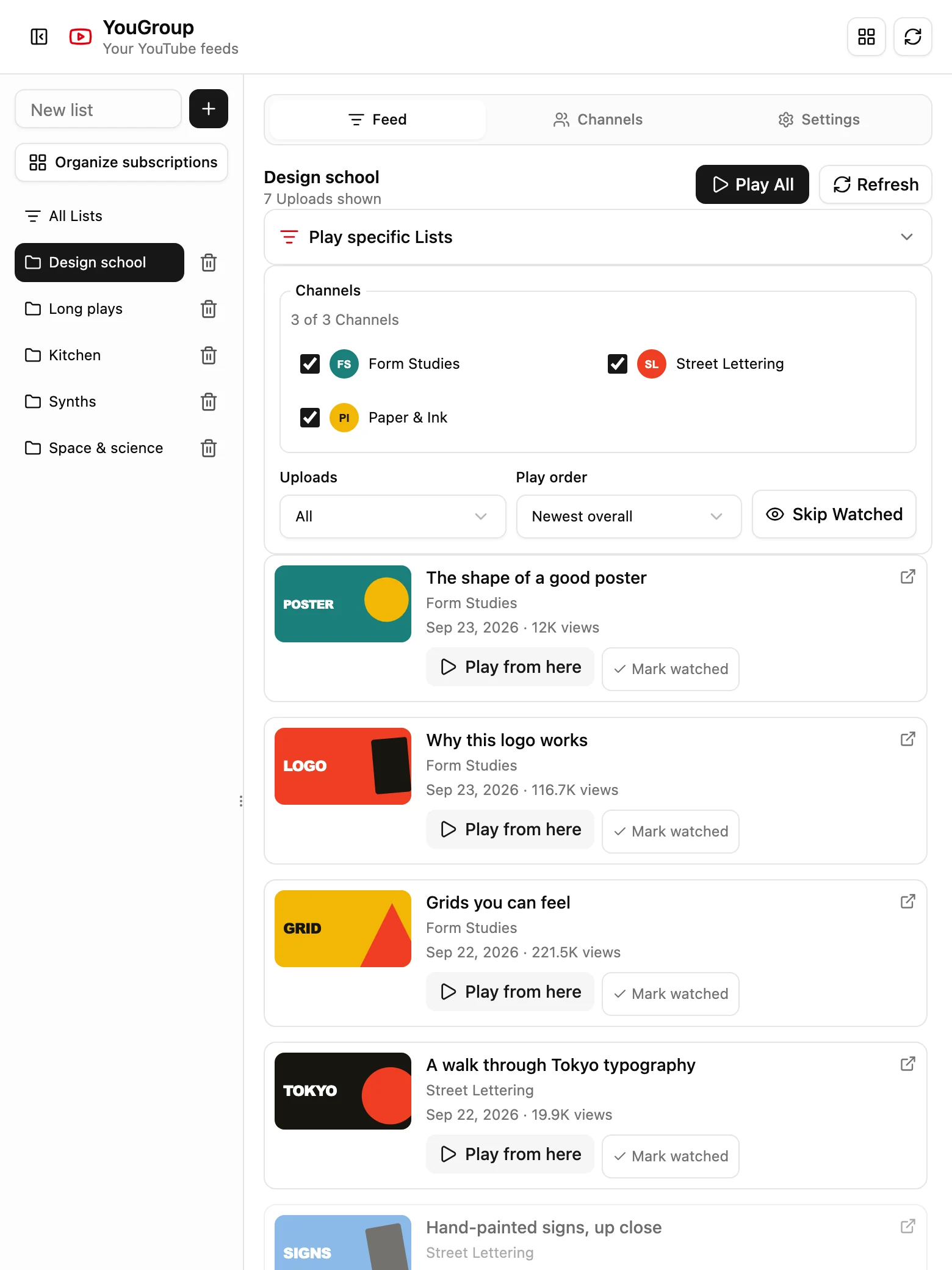
YouGroup sorts the YouTube Channels you love into Lists and gathers their latest Uploads into one calm Feed, right beside the video you’re watching.
For desktop Chrome, Firefox & Zen
14 days free for new subscribers. Card required.
Then $2.99/month or $24/year. Cancel anytime.
CH 01Features
YouGroup gives the Channels you already chose a useful shape, without an algorithm deciding what comes next.
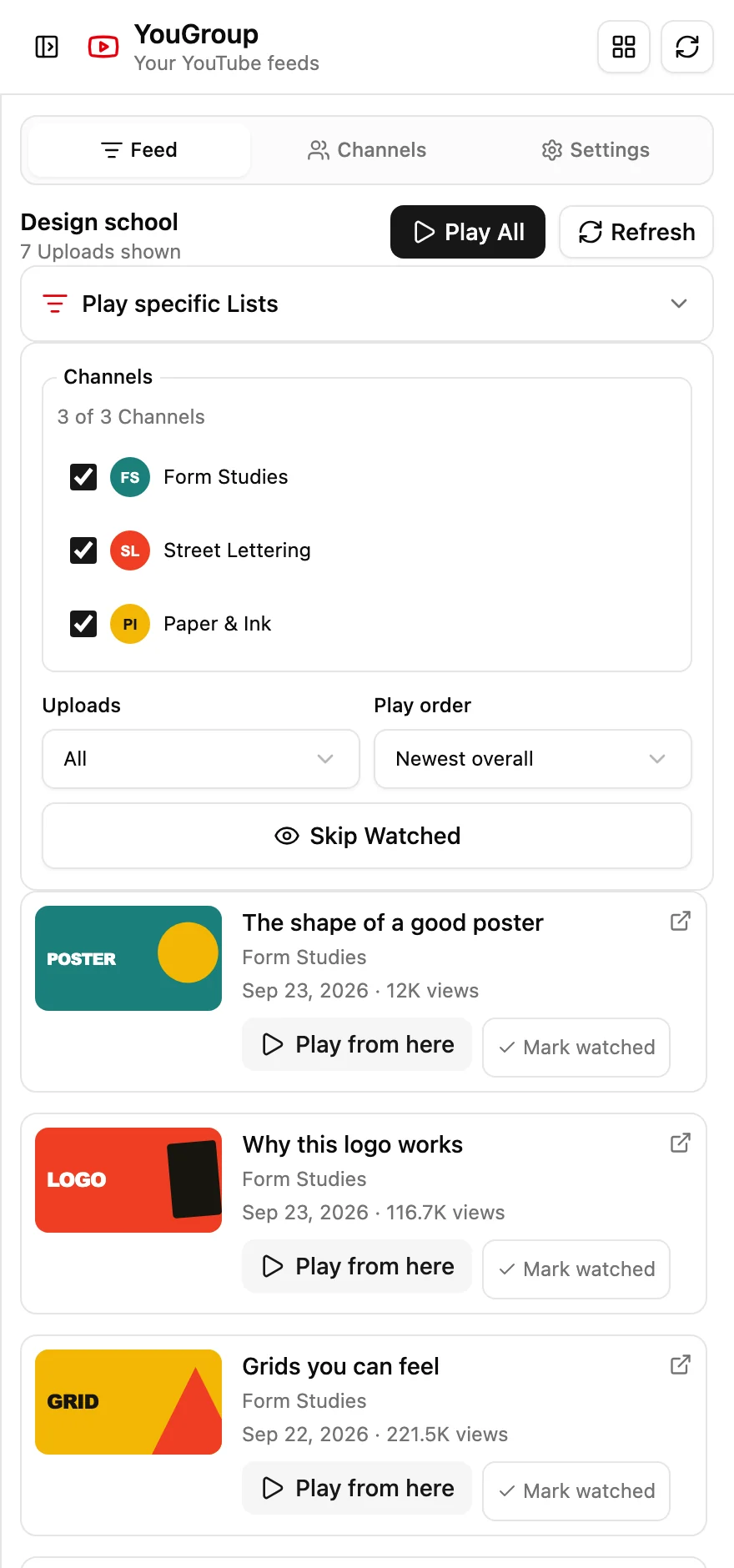
Group Channels by design, cooking, music, or anything only you can name. Open one List, or All Lists at once. A Channel in three Lists still shows up once.
Pick a few Lists, choose newest, popular, or interleaved order, and send the queue straight to YouTube.
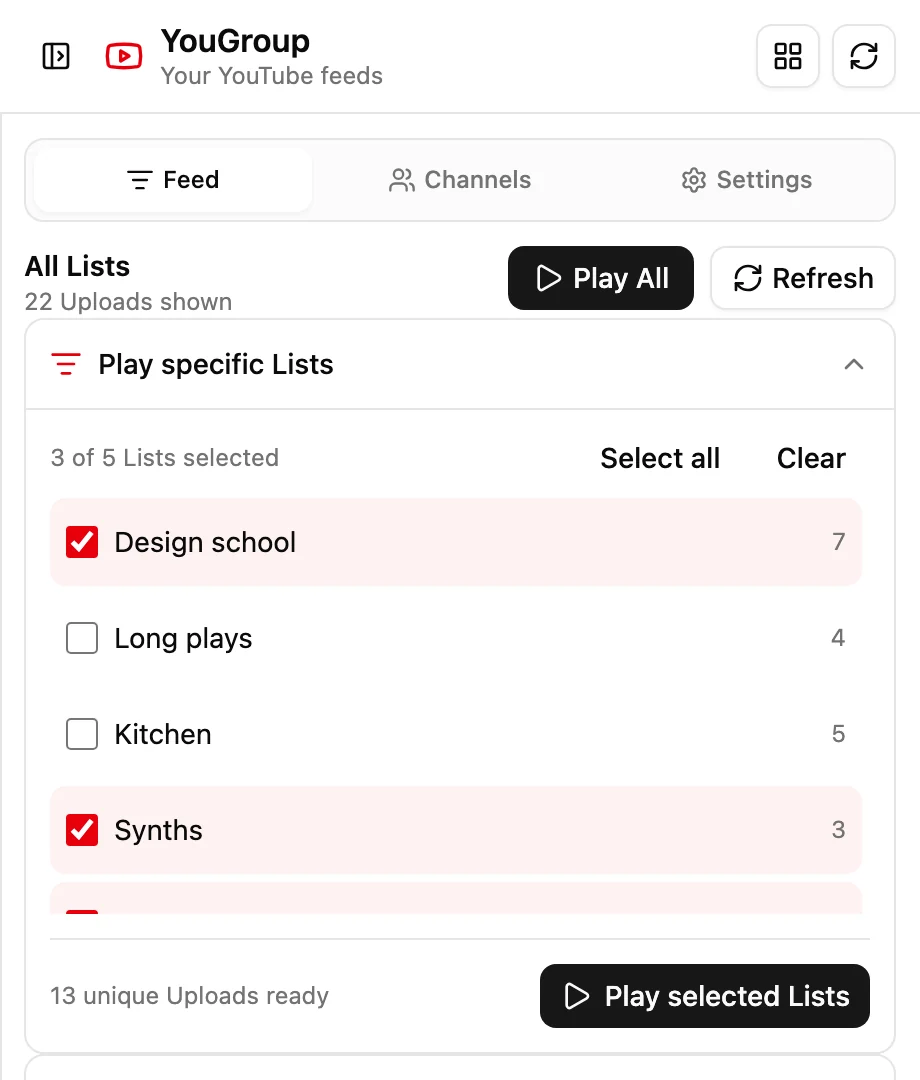
Add a Channel by URL, ID, or @handle. YouGroup finds its public Uploads for you.
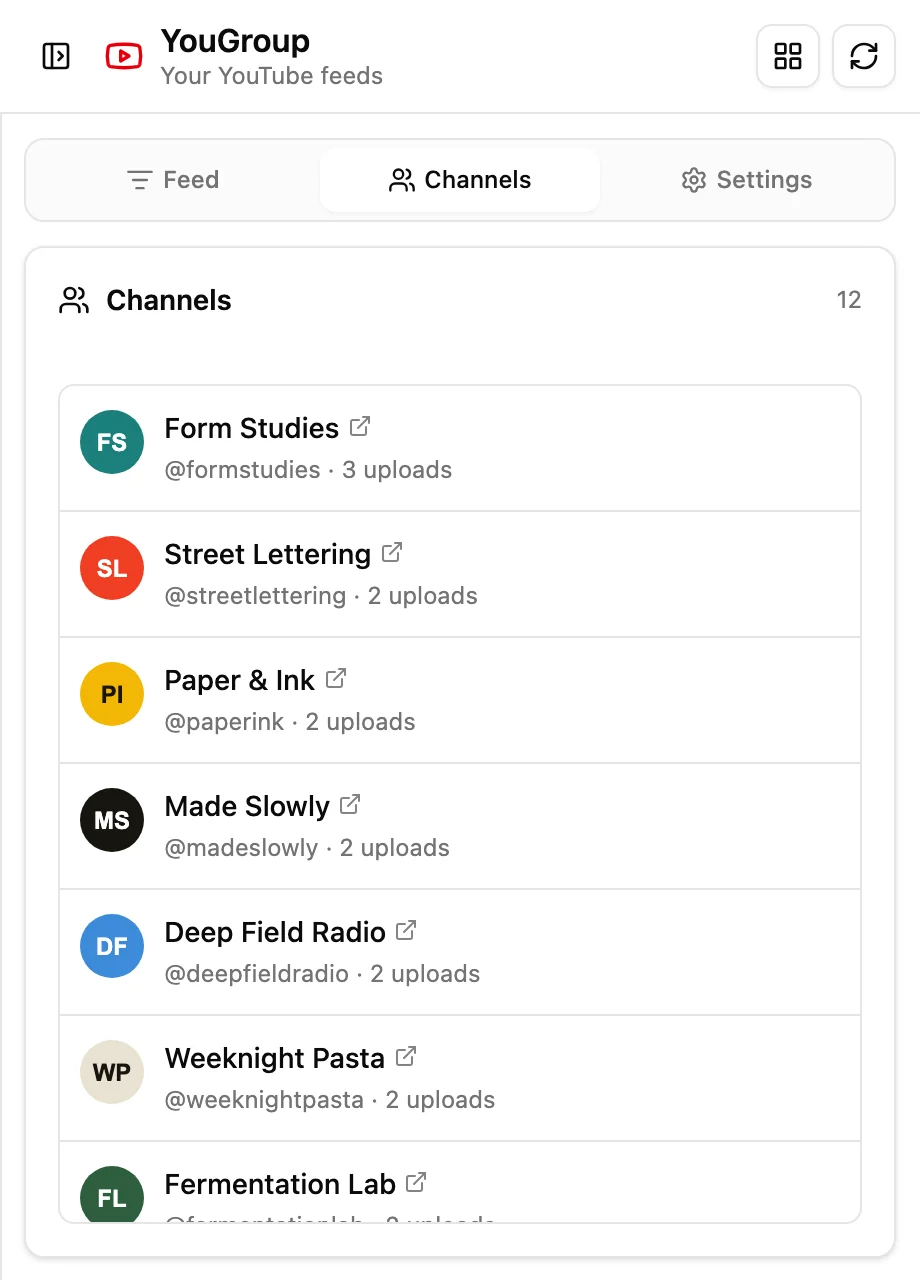
Mark Uploads watched, or let YouGroup mark them after you open them on YouTube. Hide watched Uploads with one toggle.
Refresh progress is saved. If work is interrupted, return to the panel and resume from the last checkpoint.
Public RSS does the basics. Add your own Data API key only if you want durations and view counts.
Filter by title or date. With optional API details, filter short videos and sort by view count, too.
CH 02Subscription organizer
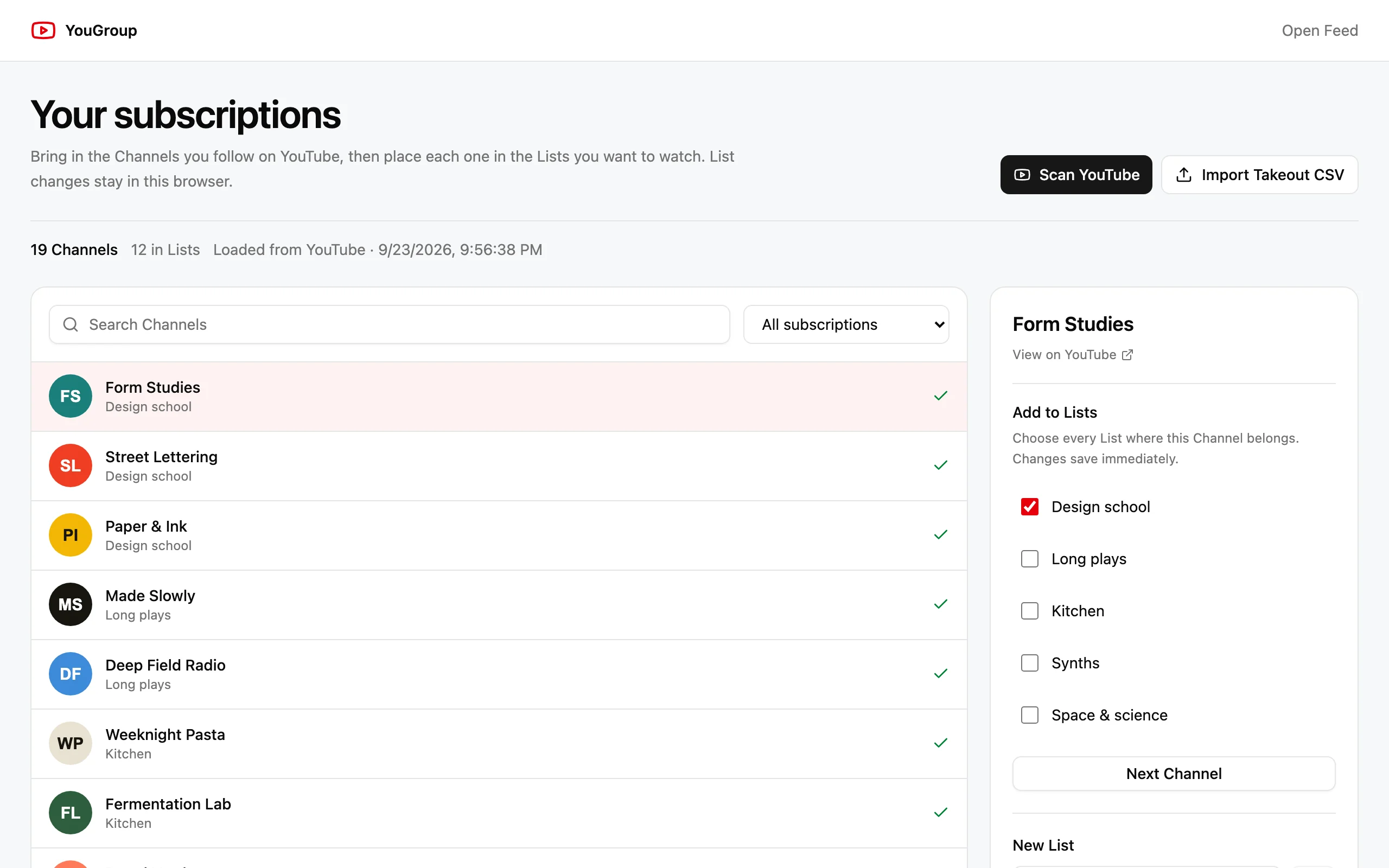
Bring in every Channel you follow, then walk through them one at a time and tick the Lists each one belongs in.
CH 03How it works
Add YouGroup to your browser and sign in with Google. Choose a plan and add a card to start your 14-day trial.
Paste a Channel URL or @handle, or bring in the subscriptions you already have.
Open your Feed beside YouTube, filter what you want, and play the whole queue.
CH 04Local by design
Your library stays in browser-local extension storage. Google sign-in and billing live in your YouGroup account, separately from your Lists and Uploads.
Switching browsers? Export a backup first. Your library stays with your browser profile.
Read the privacy policyCH 05Pricing
New subscribers get 14 days free with a payment card. Cancel anytime from your account.
$2.99/ month
Billed monthly after your trial.
$24/ year
$2/month, billed as $24 annually.
Both plans include every feature. Payments and cancellation are handled securely through Stripe.
CH 06FAQ
Plan and billing details live in your account. For how YouGroup handles data, read the privacy policy.
Chrome 114 or newer, Firefox 142 or newer, and Zen. Chrome opens YouGroup in its side panel; Firefox and Zen use the native sidebar. Zen installs the Firefox add-on.
No. YouGroup finds new Uploads through YouTube’s public RSS feeds. If you want extra detail such as duration and view count, you can add your own restricted YouTube Data API key in Settings.
In your browser’s local extension storage, together with cached Uploads, filters, and Watched markers. Account identity and billing are stored separately. Your library does not automatically move between browsers.
Yes. Scan the Channels page on YouTube while signed in, or import a Google Takeout subscriptions CSV. Then place each Channel in as many Lists as you like.
New subscribers get 14 days free with a payment card. After that it’s $2.99 per month or $24 per year. You can cancel anytime from your account.
Open Account, sign in with the same Google account, and choose Manage billing to update your payment method or cancel renewal. If you cancel, access continues until the date shown in your account.
No. Signing out keeps your Lists and cached Uploads in that browser profile. They do not follow your Google account to another browser. Export a backup before removing the extension or clearing its storage.
Install YouGroup, make your first List, and press play.
Already installed? Manage your account